
What Is Google Tag Manager? What It Does and How to Set It Up
Google Tag Manager is a free tool that lets you add and manage tracking tags on your site through a single container code. Setup steps and use cases.
Contents
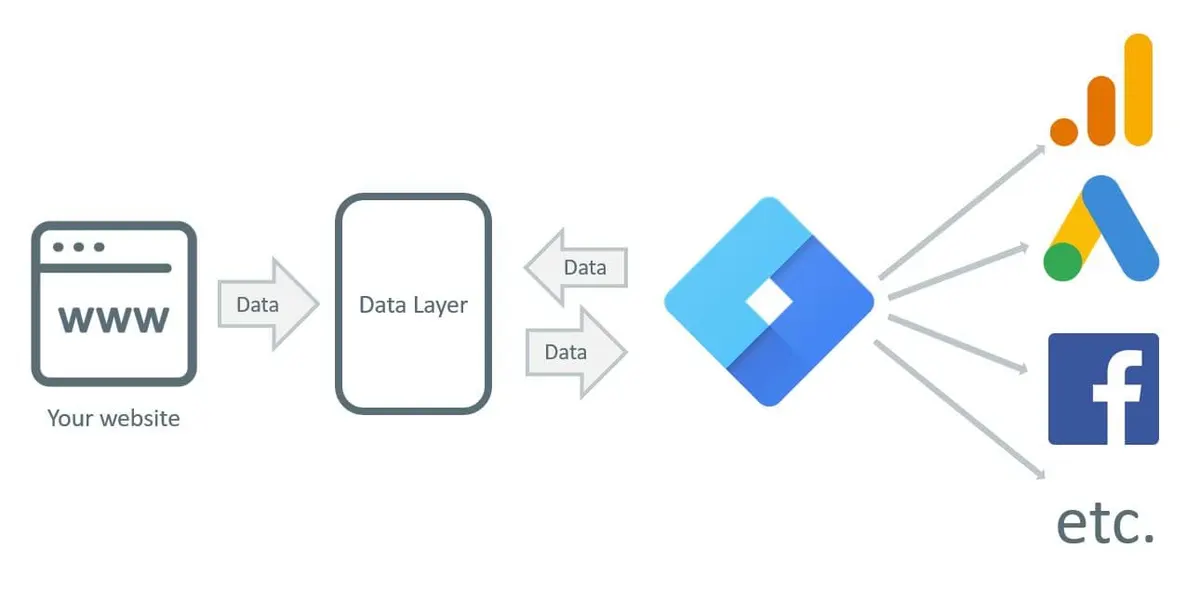
Google Tag Manager (GTM) is a free tag management system that lets you handle all the tracking tags on your website or mobile app from one place, without installing extra extensions. Put more simply, it lets you measure whether the users visiting your site are performing the actions you want them to perform.
What does Google Tag Manager do?
Thanks to the analysis and measurement it enables, it helps improve a website’s performance over time. Google Tag Manager is an online tool that helps you collect analytics data once the tracking codes are integrated into your site.
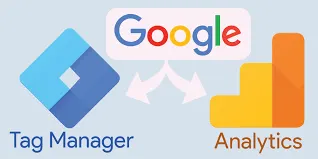
It is used alongside Google Analytics to make collecting that information much easier. Data can be sent from Google Tag Manager to Google Analytics, so you can analyse it, see trends and gather everything you need in one place.
What makes GTM useful
- It has many features that are easy to use, and it is completely free.
- You can track all your information through a single tool that stores your data in a central location.
- You can do the work yourself and see everything happening on your web pages in one place, which is convenient for you and your team.
- It offers several ways to update tags and codes that already exist on your site.
Why a single container code?
Google Tag Manager is embedded into your website and has its own container tag. This eliminates the need to place many different codes on a site. Since the same code is placed on every page, there is no need to rewrite it for individual pages. That structure also noticeably reduces the load on the web development side.
How is Google Tag Manager installed?
There are a few easy steps you can follow to set up Google Tag Manager for your website. All you need is a free, quick-to-create account.
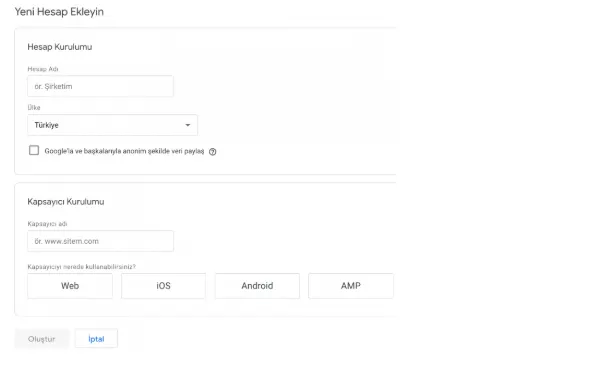
- Create an account. Sign in to the Google Tag Manager page with your email address, click Create Account at the top right and fill in the form.
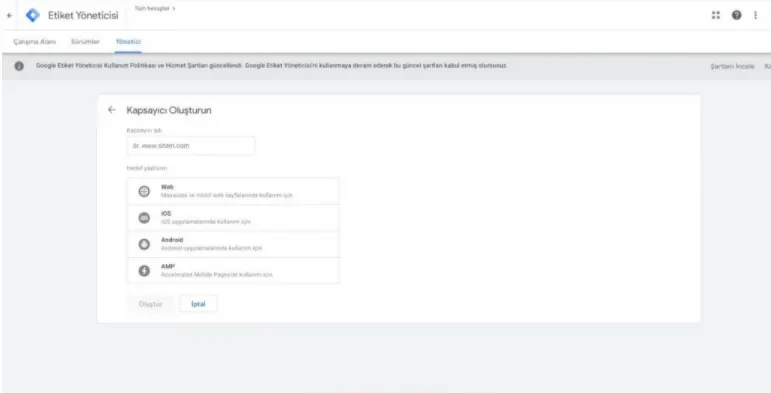
- Create a container. Once the form is complete, create a container to receive the code.
- Place the code. After filling in the details on the page, paste the two supplied snippets into the
headandbodysections of your site. - Verify. Once all the steps are done, it is worth checking that the code is firing. You can use the “Tag Assistant” tool for this.
Why should you use Tag Manager?
You may be wondering why using analytics tools matters for your business. No matter what kind of business you run, you gain a great deal of information that can help you improve your site and its results.
Collecting and understanding data about how a website works is crucial for redefining and improving a business. It also helps an owner understand which features of a website work for visitors and which do not. Improving a website’s conversion rates, performance and usability helps convert more users into customers and increases customer satisfaction.
What does Moon Workshop do in Tag Manager?
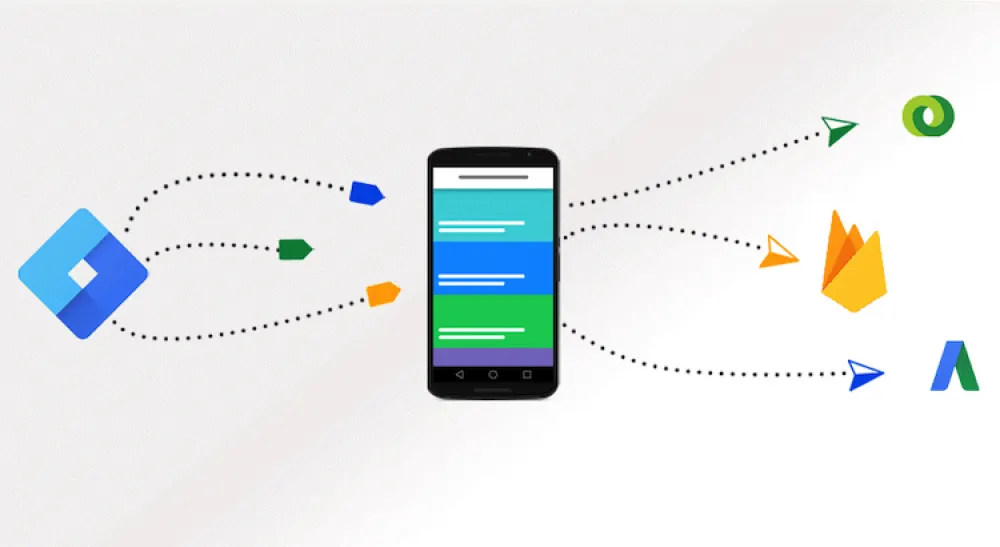
We use Tag Manager integrated with Google Ads. Phone conversions coming from Google Ads are measured through this structure. We rely on Tag Manager to measure campaign audiences, remarketing data, phone clicks, data from form submissions, lead forms and calls originating from Google Ads.
Because Google Tag Manager can work with multiple tags at the same time, the same container can also hold the tags used for Meta ads, which keeps the data organised and detailed.

If you would like your measurement setup reviewed, you can reach us through the contact page.
Published: · Updated: · Author: Moon Workshop
Frequently Asked Questions
Is Google Tag Manager free?
What is the difference between Google Tag Manager and Google Analytics?
How do you install Google Tag Manager?
What can you measure with Tag Manager?
Related Articles
- Measurement7 min read
What Is ROAS? How to Measure Return on Ad Spend Correctly
ROAS is revenue divided by ad spend, but the number is only as good as its data. How to calculate it, avoid attribution traps and set profitable targets.
- Measurement7 min read
GA4 and Server-Side Tagging: A Measurement Infrastructure Guide
Server-side tagging moves tag execution off the browser onto your own endpoint. What it fixes, how to plan a GA4 event schema, and how to migrate safely.
- Measurement5 min read
What Is a DMP? How a Data Management Platform Works
A DMP is a unifying platform for collecting, organizing and activating first, second and third party audience data from any source.