
26 Free Google Chrome Extensions for SEO
A tested list of 26 free Chrome extensions for SEO, grouped by on-page SEO, keyword research, rank checking, technical SEO, link building and general use.
Contents
- Which Chrome extensions help with on-page SEO?
- 1. SEOInfo
- 2. Free Backlink Checker by LRT
- 3. Hreflang Tag Checker
- Which extensions are useful for keyword research?
- 4. SEO Search Keyword Tool
- 5. TextOptimizer
- 6. Keyword Surfer
- Which extensions are used for rank checking?
- 7. SEO Search Simulator by Nightwatch
- 8. SERPTrends SEO Extension
- Which Chrome extensions do you need for technical SEO?
- 9. Link Redirect Trace
- 10. Google Lighthouse
- 11. AMP Validator
- 12. OpenLink Structured Data Sniffer
- 13. User-Agent Switcher for Chrome
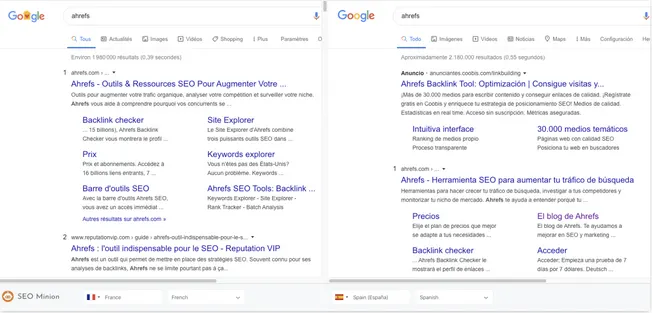
- 14. SEO Minion
- 15. View Rendered Source
- Which extensions help with link building?
- 16. LinkClump
- 17. NoFollow Simple
- 18. SimilarWeb
- 19. Hunter (Freemium)
- 20. Streak CRM for Gmail
- General-purpose SEO extensions
- 21. Ahrefs SEO Toolbar
- 22. MozBar
- 23. Keywords Everywhere
- 24. ObservePoint TagDebugger
- 25. SEOquake
- 26. Scraper
- How do you use these extensions efficiently?
SEO extensions are Chrome add-ons that let you check everything from on-page tags to link data directly in the browser, without opening a separate tool. This is not a randomly arranged list; most of the tools here have been tested in daily work. There are 26 extensions in total, so we grouped them into six categories to make the list easier to work through:
- On-page SEO
- Keyword research
- Rank checking
- Technical SEO
- Link building
- General-purpose tools
Which Chrome extensions help with on-page SEO?
Use these extensions to find SEO issues inside your own web pages.
1. SEOInfo
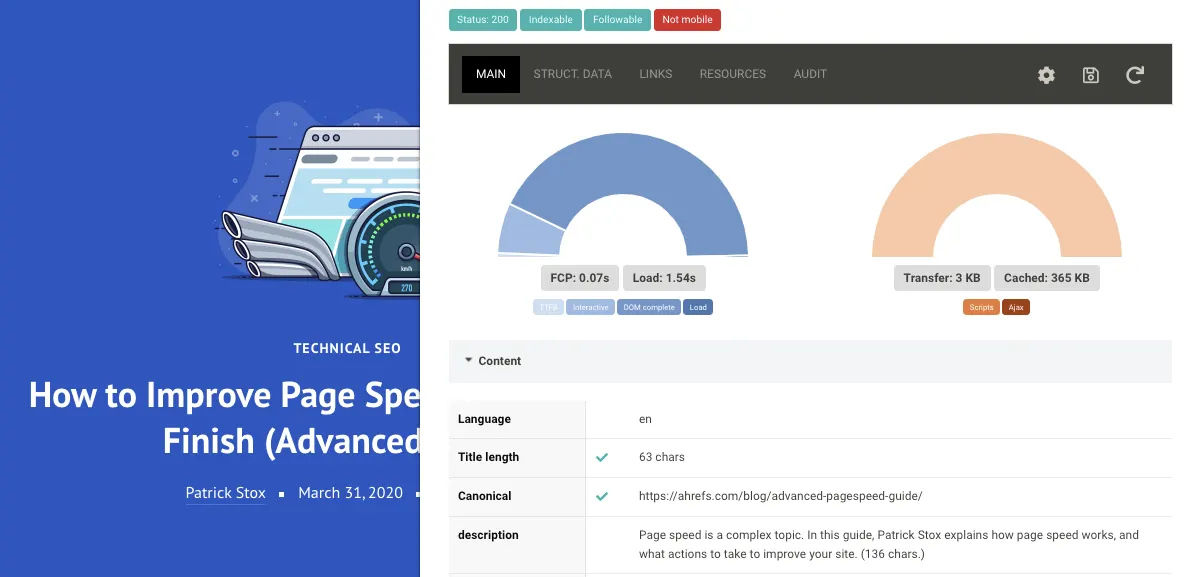
SEOInfo looks for SEO issues on the page, tells you how many there are, and lets you investigate further. The check covers meta tags, canonical values, indexability, open graph tags, structured data, hreflangs, page speed and more. It also has a built-in audit module that uses Google’s PageSpeed Insights API.
What is hreflang? The hreflang tag separates similar pieces of content on your site that target different languages and regions, and reports that separation to search engines. It helps content written for a specific region reach the right audience.
What is the PageSpeed Insights API? It reports on the performance of a page on both mobile and desktop devices and provides suggestions on how the page can be improved. PSI supplies both lab and field data about a page.
2. Free Backlink Checker by LRT
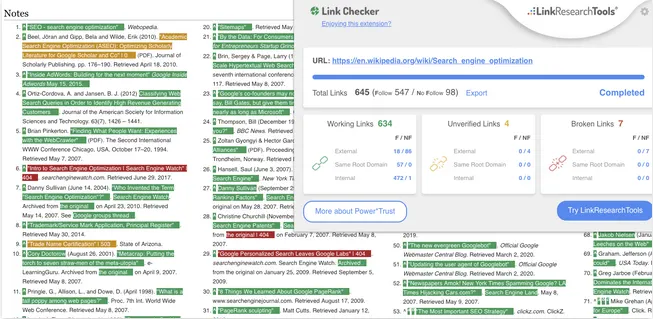
Despite its name, Free Backlink Checker by LRT has nothing to do with incoming links; it analyzes outgoing links on a page. Like many other link checkers, it highlights broken links in red and working links in green. It can also export every link on a page, along with anchor text, HTTP status and “rel” attributes, to a CSV or XLSX file for further analysis.
Unlike many other broken link checkers, it lets you increase the time delay between link requests for slower page analysis. This prevents many false results caused by server protection.
3. Hreflang Tag Checker
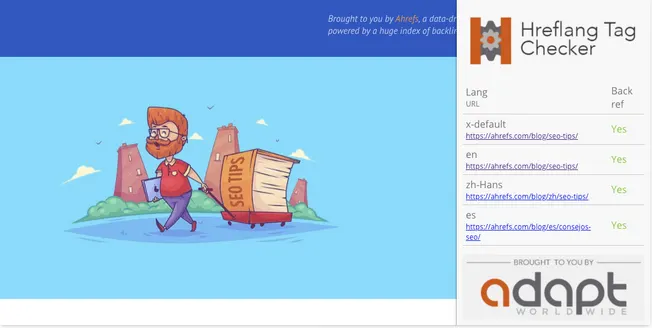
While many extensions show hreflang data, Hreflang Tag Checker goes further. It scans the hreflang tags of a URL and checks whether return links are in place.
Which extensions are useful for keyword research?
Use these extensions to find and research keywords.
4. SEO Search Keyword Tool
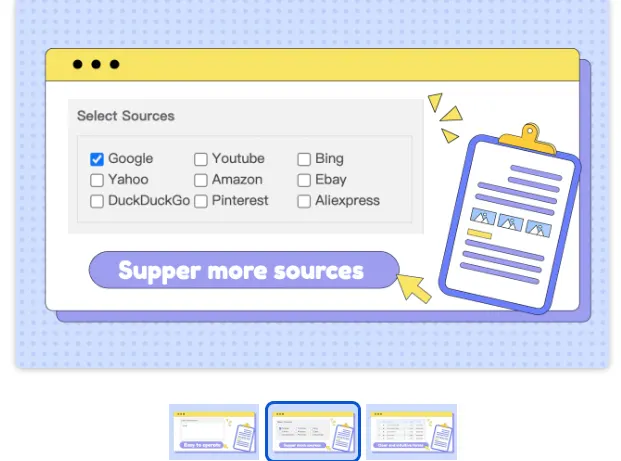
SEO Search Keyword Tool generates thousands of keyword ideas from a single seed keyword by collecting autocomplete suggestions from Google, YouTube, Bing, Yahoo and Amazon. If you have used a keyword table before, the concept will already be familiar. All data can be exported to CSV.
What is CSV? CSV stands for Comma-Separated Values. The file contains text or numbers separated from each other by commas. CSV files can be opened in a plain text editor, but a program such as Microsoft Excel or Access displays them far more clearly.
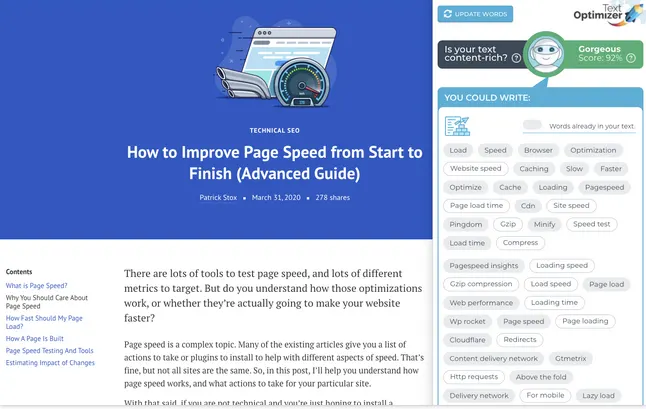
5. TextOptimizer
TextOptimizer describes itself as a writing aid tool. It analyzes search results for related terms and pulls out intent tables to suggest other words you can use in your copy to better meet search engine expectations.
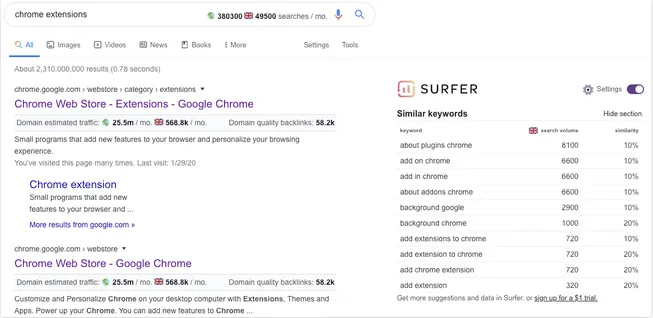
6. Keyword Surfer
Keyword Surfer is a keyword research and SERP analysis tool. It gives a remarkable amount of data for a free tool: domain-level traffic estimates in search results, keyword volumes (both local and global), keyword suggestions and domain-level backlink counts. It is also the SurferSEO keyword tool; SurferSEO works much like TextOptimizer, optimizing your content with more detailed and in-depth analysis.
Which extensions are used for rank checking?
Use these extensions to track rankings in the SERPs.
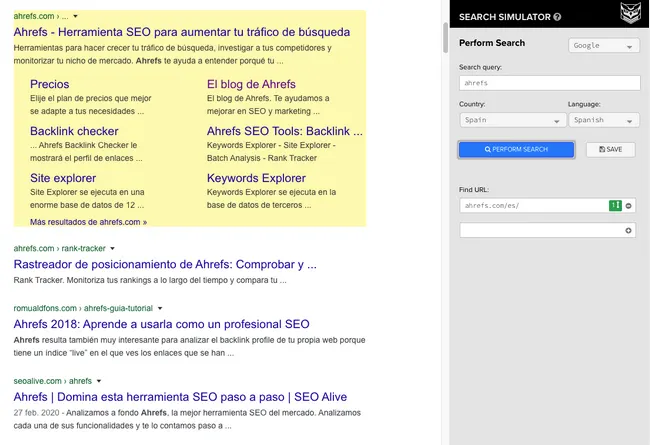
7. SEO Search Simulator by Nightwatch
SEO Search Simulator by Nightwatch simulates Google searches from any location and checks whether a particular URL appears in the top 100 results. It is very useful for seeing how rankings for a query change in different parts of the world.
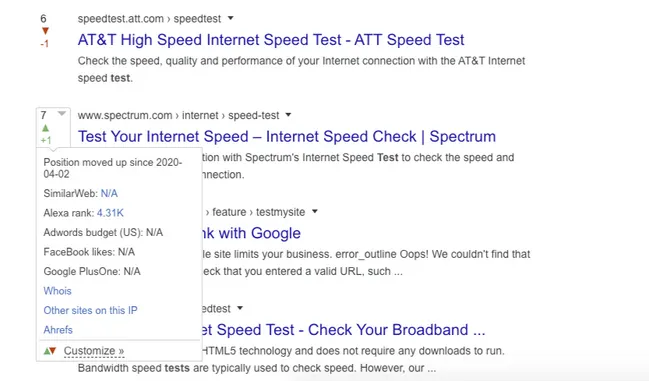
8. SERPTrends SEO Extension
SERPTrends SEO Extension tracks your Google, Bing and Yahoo searches. If you repeat the same search over time, it shows the ranking movements directly in the SERPs.
Which Chrome extensions do you need for technical SEO?
Use these extensions to improve your site from a technical perspective. For a broader checklist, see our SEO and GEO consulting page.
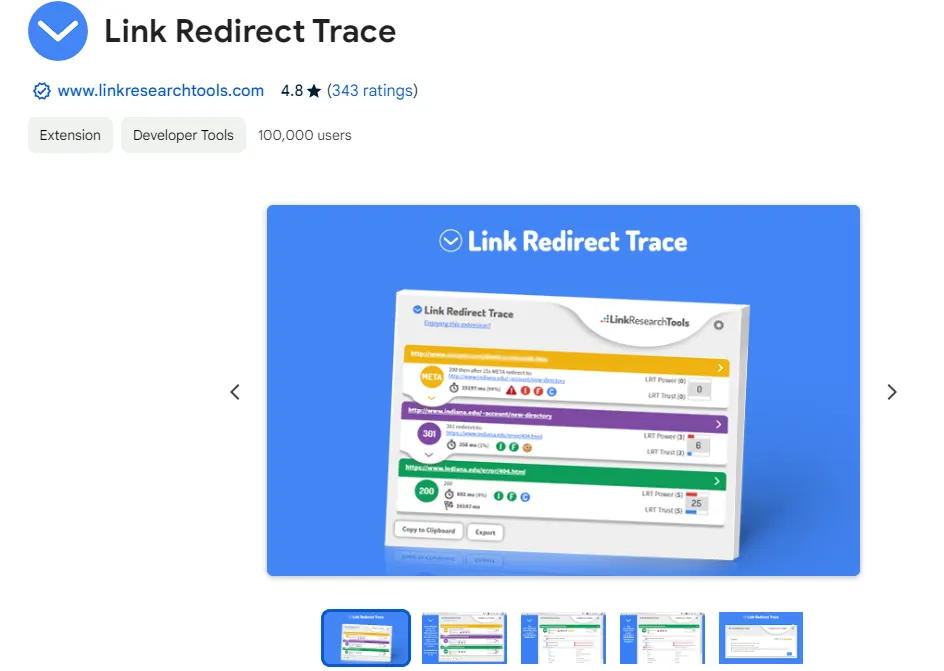
9. Link Redirect Trace
Link Redirect Trace reveals all URLs in a redirect chain, including 301s, 302s and JavaScript redirects. Among other things, it is very useful for finding and reclaiming lost link value.
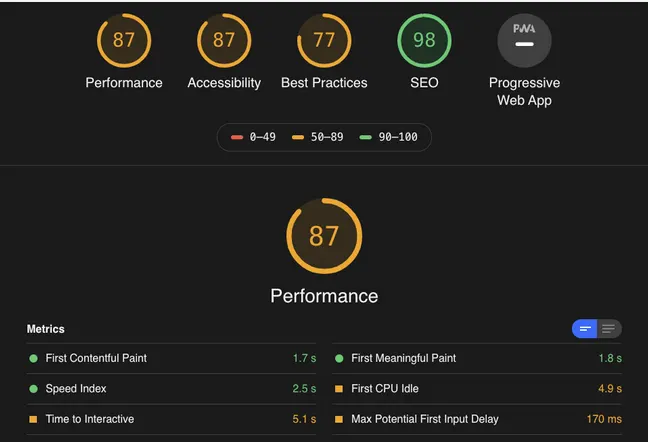
10. Google Lighthouse
Google Lighthouse audits your page and suggests improvements related to performance, accessibility, developer best practices and SEO.
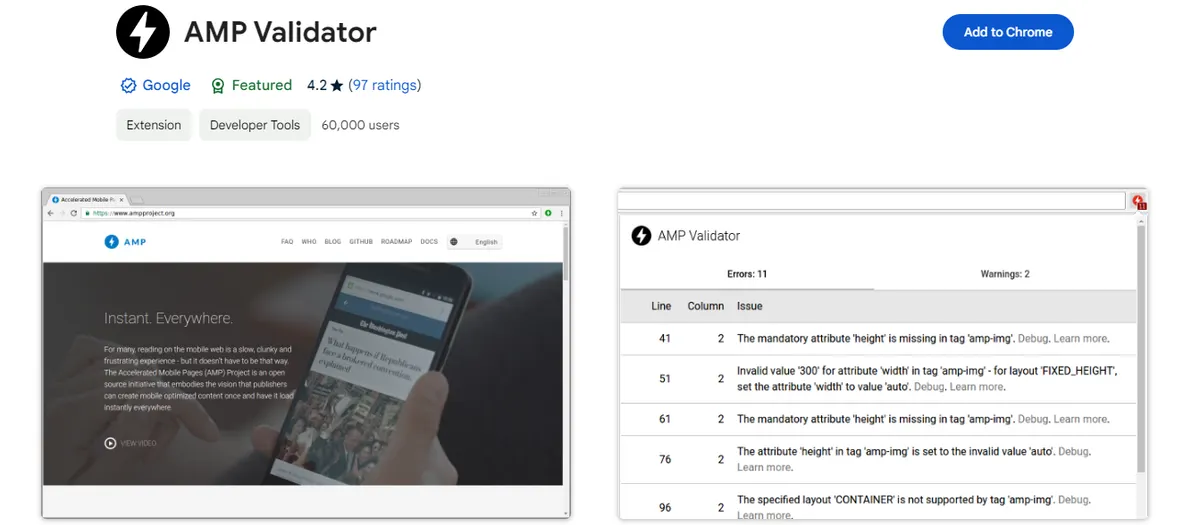
11. AMP Validator
AMP Validator checks whether a page has an AMP version. The tool then runs the AMP validator to see if the page passes.
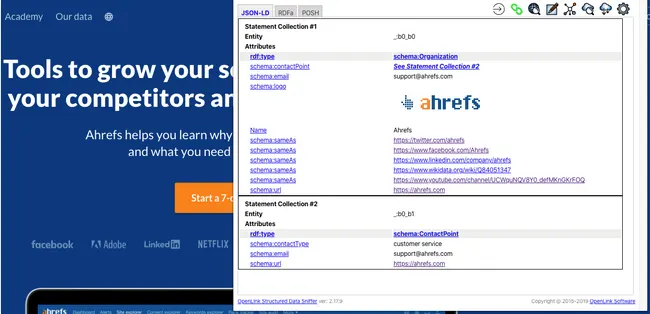
12. OpenLink Structured Data Sniffer
OpenLink Structured Data Sniffer reveals the structured metadata found on any web page. It supports Microdata, RDF/XML, RDFa, JSON-LD, Turtle and POSH.
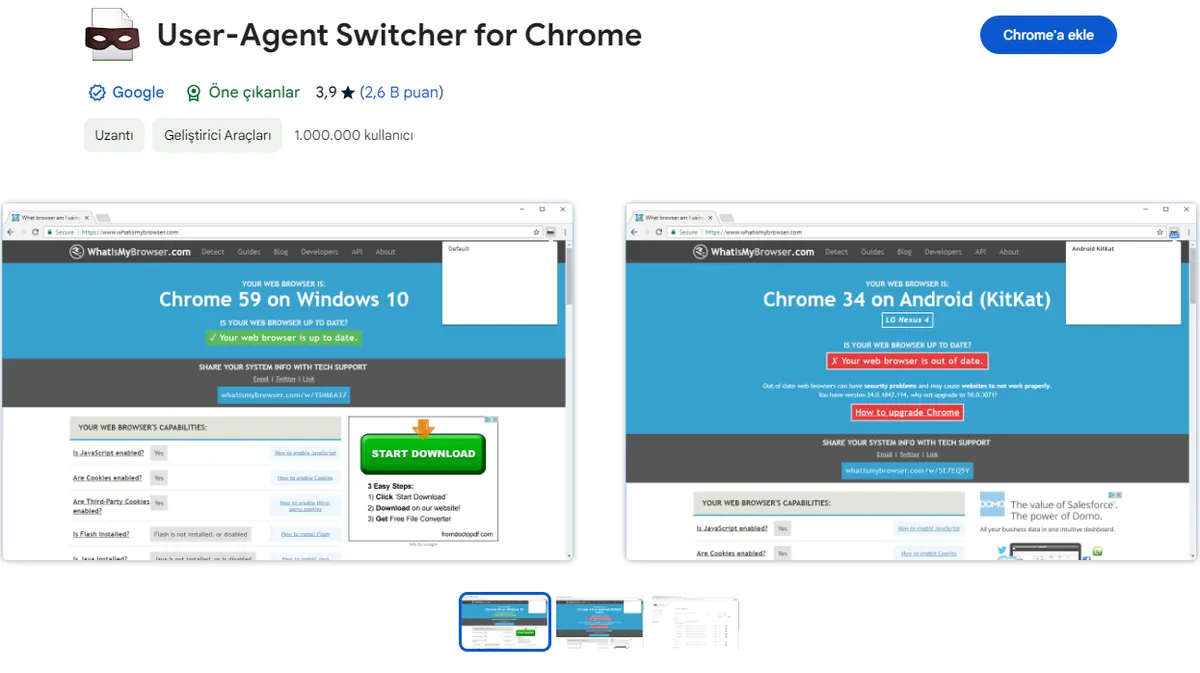
13. User-Agent Switcher for Chrome
User-Agent Switcher for Chrome mimics user agents so you can check that your website displays correctly across different browsers and operating systems.
14. SEO Minion
SEO Minion brings broken link checks, SERP ranking movements, “people also asked” queries and many similar SEO checks together in a single extension.
15. View Rendered Source
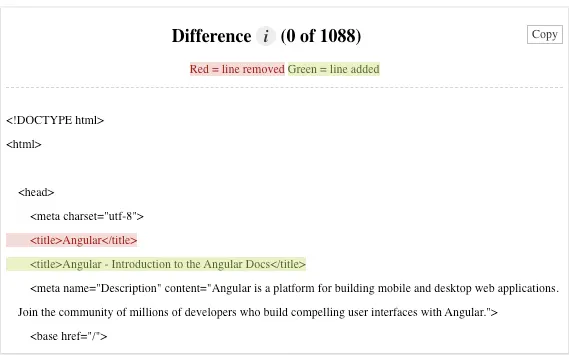
View Rendered Source is a must-have tool for anyone working with JavaScript-driven websites. It compares the raw page code with the rendered version. As an SEO, you can check, for example, whether JavaScript has overwritten your meta tags.
Which extensions help with link building?
Use these extensions for better link checking, research and management.
16. LinkClump
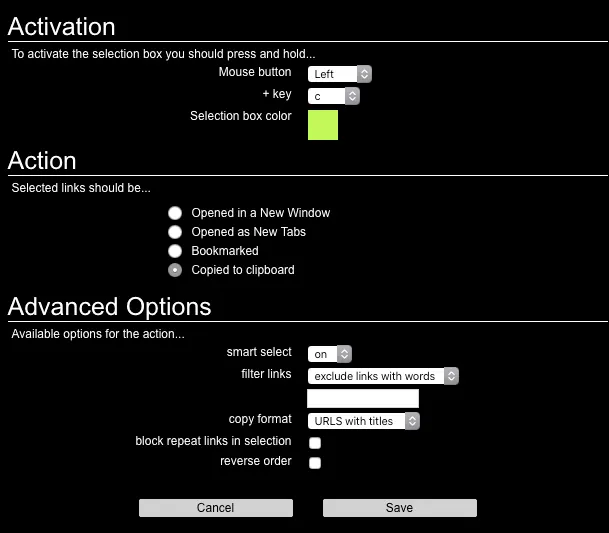
LinkClump lets you open multiple links on a page in new tabs or new windows, or copy them to your clipboard. It saves a lot of time, especially during link research.
17. NoFollow Simple
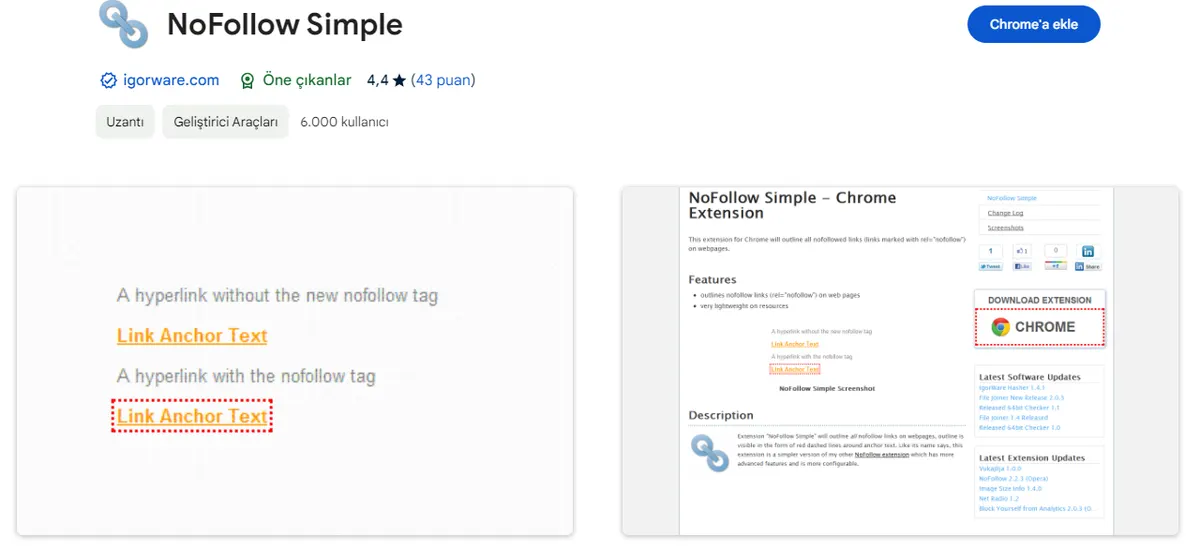
NoFollow Simple is a lightweight extension that highlights nofollow links on a page. It is a handy tool for link research.
18. SimilarWeb
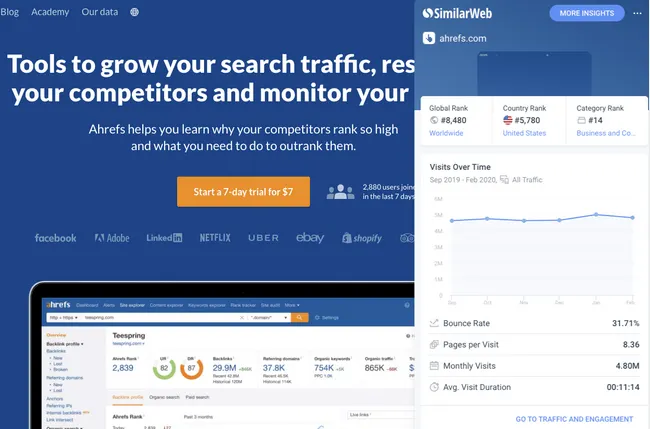
SimilarWeb lets you check estimated traffic, traffic sources, keyword rankings and other important statistics for any website. It is very useful for evaluating link opportunities.
19. Hunter (Freemium)
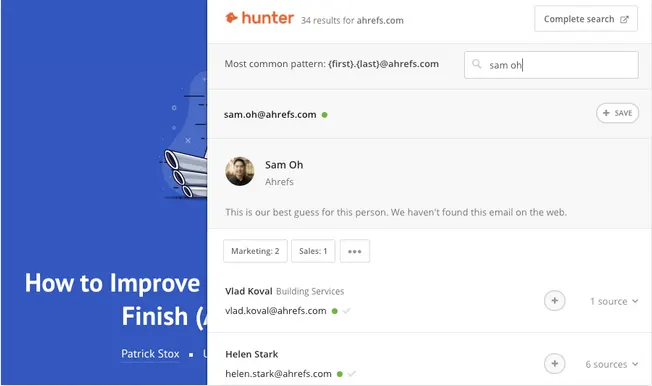
Hunter finds email addresses associated with the website you are visiting. You get 50 free credits per month. There is also a Google Sheets add-on for quick bulk checks.
20. Streak CRM for Gmail
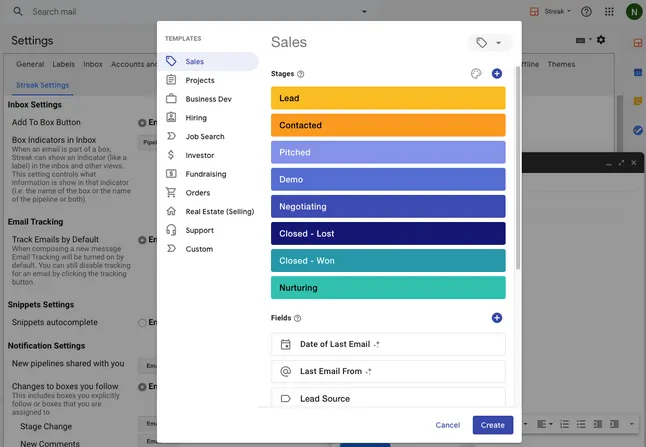
Streak CRM for Gmail is a customer relationship manager built into Gmail. You can create mail merges, track emails, log interactions with leads and customers, and more. It suits outreach campaigns well.
General-purpose SEO extensions
Use these extensions for a variety of SEO tasks.
21. Ahrefs SEO Toolbar
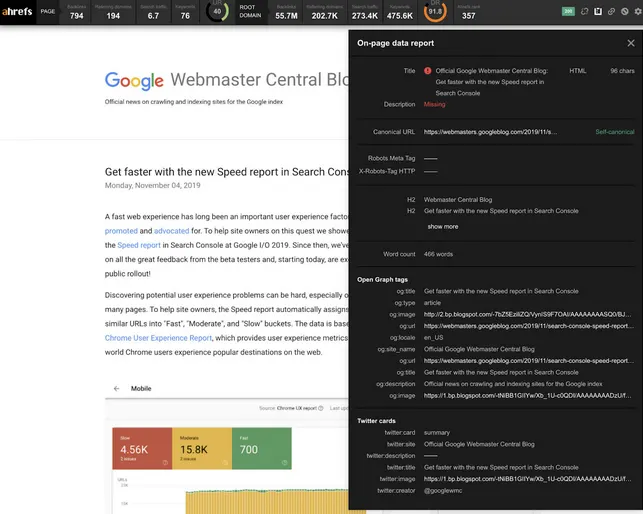
Ahrefs SEO Toolbar includes an on-page SEO report, a redirect tracer, a broken link checker and a nofollow link highlighter. Ahrefs users also get page, domain and keyword metrics for visited URLs and search results.
22. MozBar
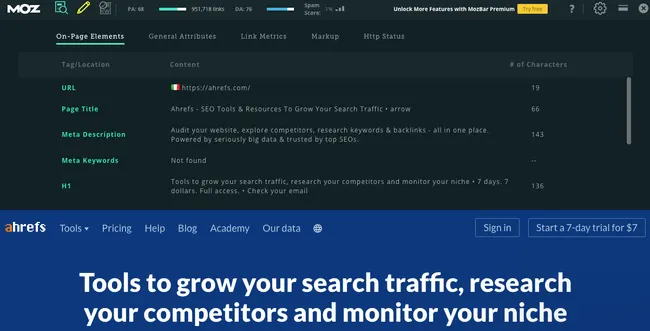
MozBar lets you check Moz metrics such as Domain Authority, Page Authority and Spam Score for any web page. You can also run custom searches, check on-page issues and export Google SERPs.
23. Keywords Everywhere
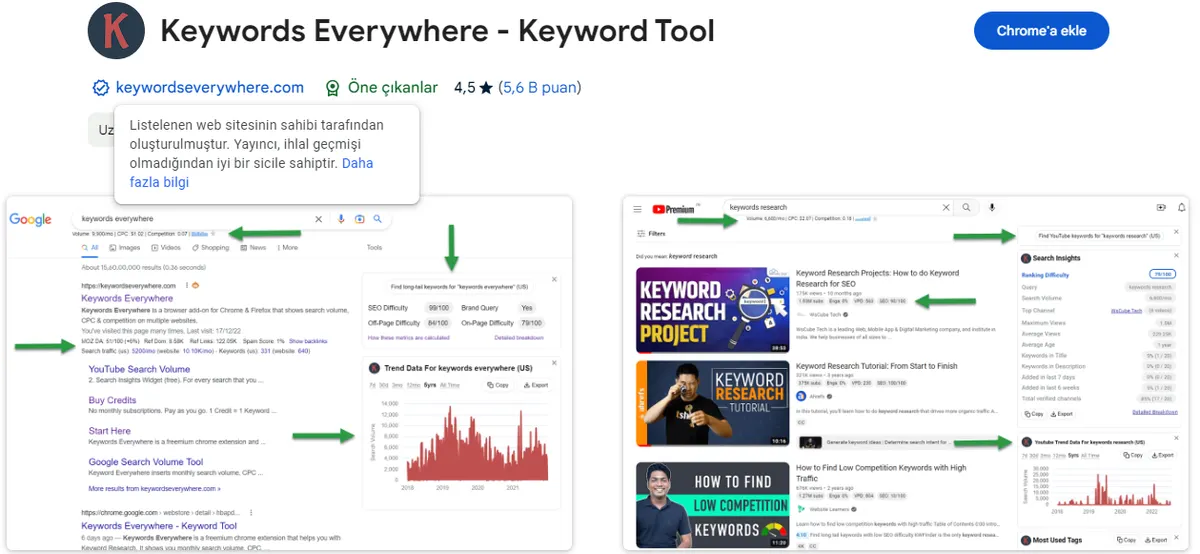
Keywords Everywhere combines an on-page SEO analyzer, a broken link checker, a SERP previewer and a Google location simulator in one tool. It also has one feature that saves a lot of time: comparing Google SERPs for two different countries.
24. ObservePoint TagDebugger
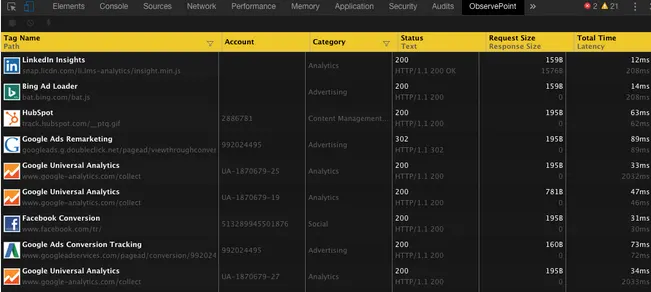
ObservePoint TagDebugger lets you audit and debug issues with analytics and marketing tags on your website, such as Google Analytics and Tag Manager. It also checks variables and click events.
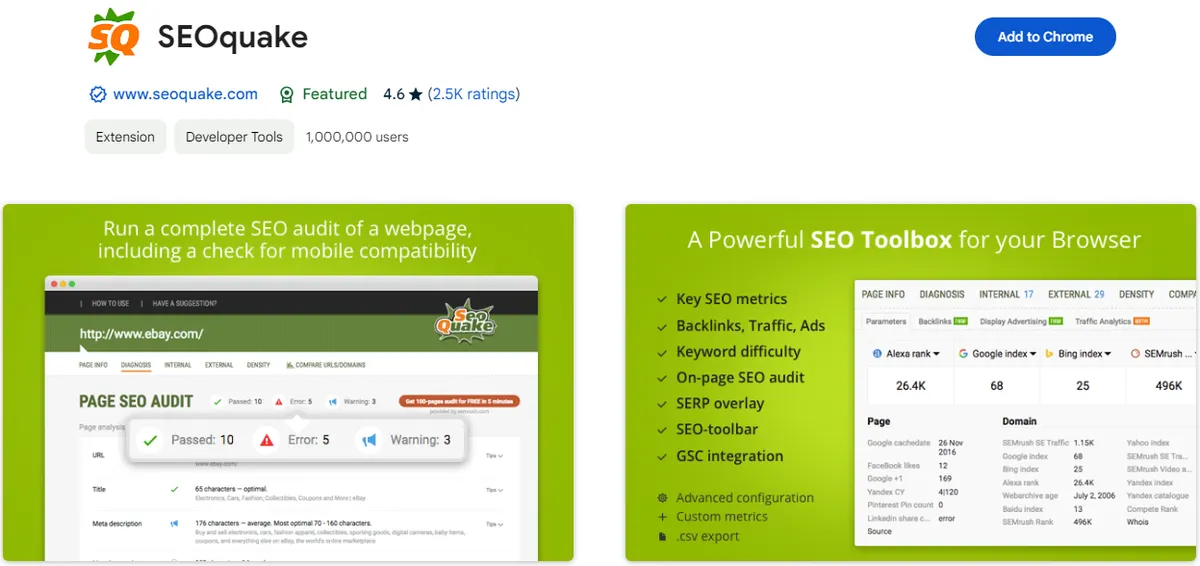
25. SEOquake
SEOquake is a free browser extension that instantly checks any web page against a wide range of SEO parameters.
26. Scraper
Scraper lets you extract data from any web page using XPath or jQuery. Integrate it with Google Sheets to export with a single click, or copy to the clipboard and paste into Excel.

How do you use these extensions efficiently?
There are plenty of Chrome extensions that bring the features of online SEO tools and services straight into your browser. The point of this list is to help you find one or two that genuinely change how fast you work.
Remember that using too many browser extensions can slow your computer down, so be selective. If you use a lot of extensions, create multiple Chrome user profiles for different tasks, install different extensions in each profile and switch between them as needed. An extension manager also helps keep things tidy.
Extensions speed up daily checks, but site-wide technical issues, content structure and ranking strategy need more thorough work. If you would like to review where your site currently stands, you can reach us through our contact page.
Published: · Updated: · Author: Moon Workshop
Frequently Asked Questions
Which SEO Chrome extension should I start with?
Can free extensions replace paid SEO platforms?
Is there a downside to installing many extensions?
Are all of these extensions completely free?
Related Articles
- SEO & GEO3 min read
How to Do SEO Fast: Ways to Speed Up SEO Results
Speeding up SEO results takes strategy. Keyword selection, content updates, internal linking and on-page work all shorten the time to first results.
- SEO & GEO11 min read
35 Best Free SEO Tools for Tracking and Analysis
A category-by-category review of 35 free SEO tools covering keyword research, on-page checks, technical SEO, rank tracking, analytics and local search.
- SEO & GEO7 min read
What Is GEO? A Guide to Generative Engine Optimization
GEO is the practice of making content citable inside AI answers. How generative engine optimization differs from SEO and how to measure it.